Unit 2 HD *Updated 4 September 2014* Normal start up for generator, turn on 3 main breakers to “gen” then turn on any breakers needed. Best to turn Inverter on incase of generator failure, transmitter will stay on.
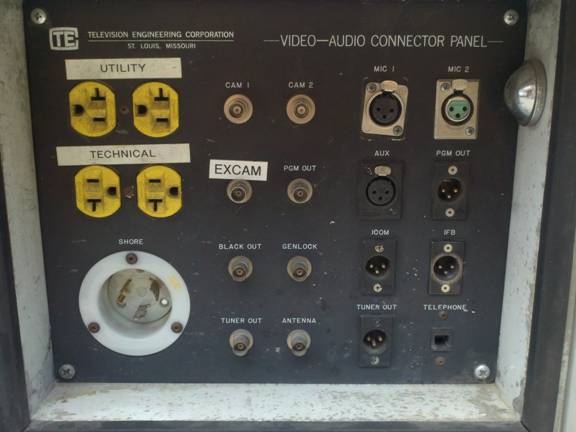
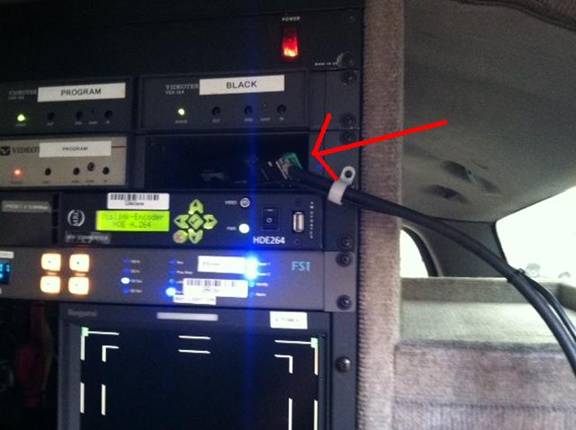
Plug in camera to “EXCAM”. Truck uses embedded audio.
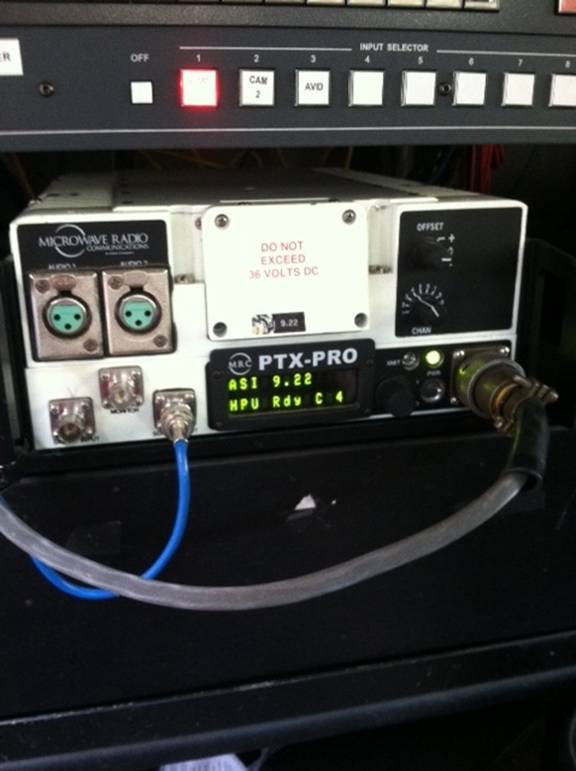
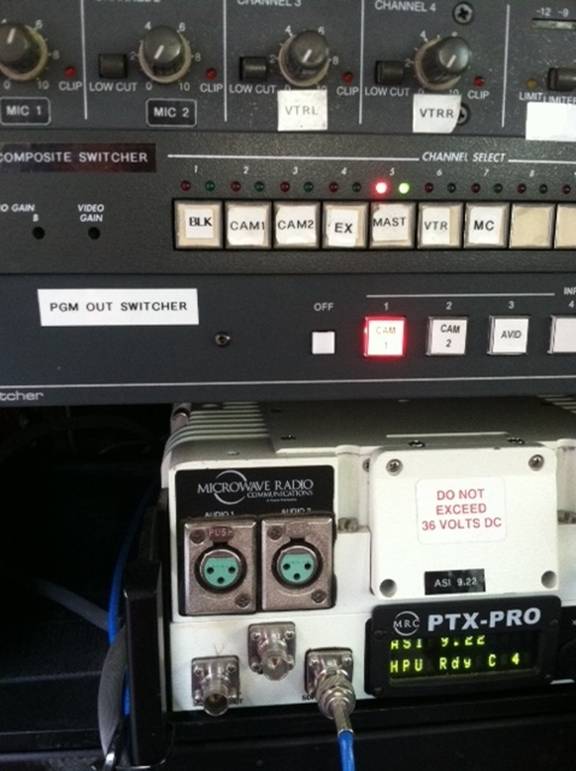
2 Ghz Transmitter MRC PTX-Pro
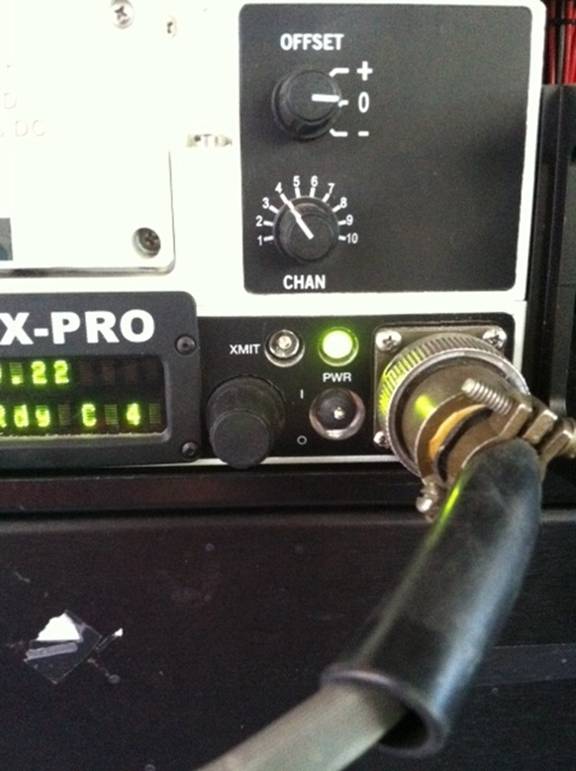
Turn on power switch then to transmit push and hold black XMT button next to the power switch. Make sure you are clear to power up by Acquisition! You do not want to step on a unit that is already powered up!
Make sure the PGM OUT HD switcher is pushed for CAM 1 as shown.
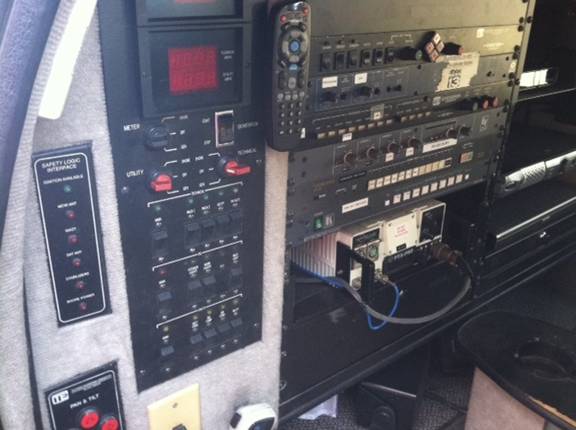
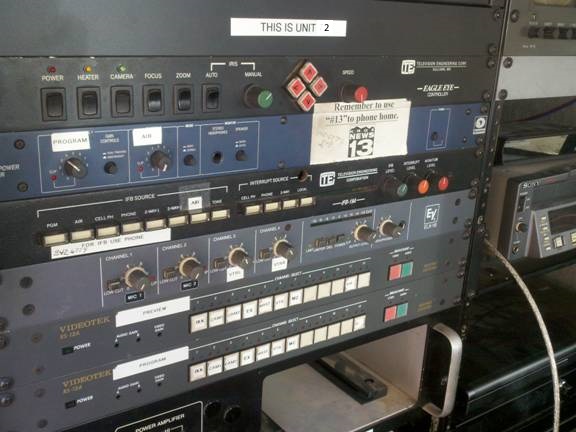
Wide shot of rack in unit 2
Ingesting with Laptop Avid
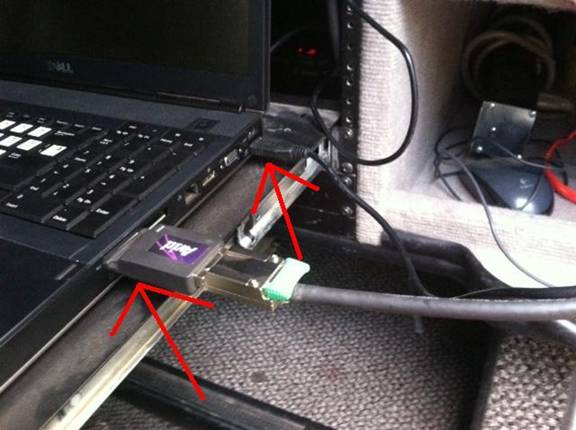
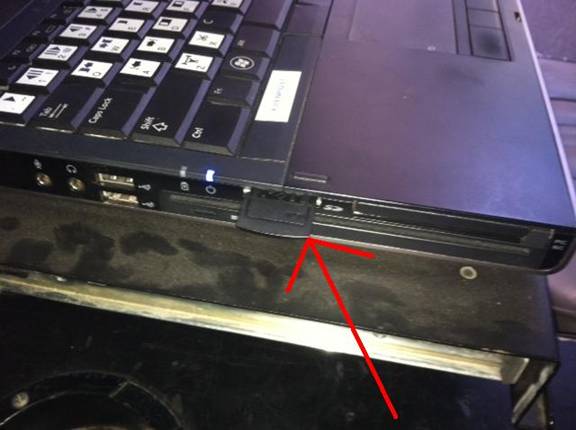
Plugs into the express slot on the right side of the LT also plug in the SxS card reader to USB
The SxS reader will not load up clips in
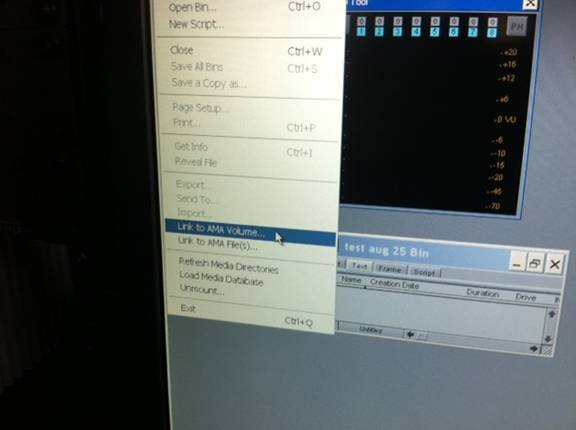
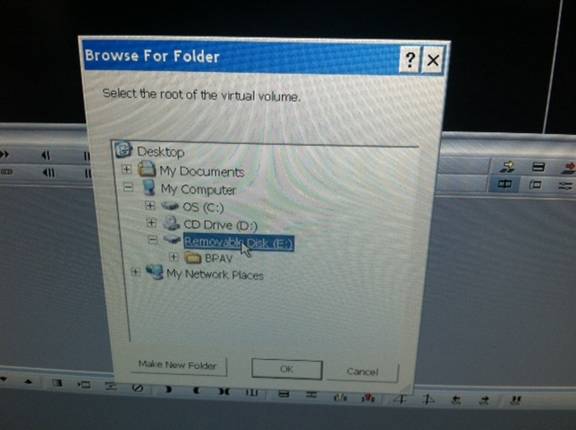
Click on My computer>Removable disk
When using a SDHC card with adaptor, remove the card and place in the slot on the left side of the LT. The procedure is the same as above.
Courtesy Carey Olson
|